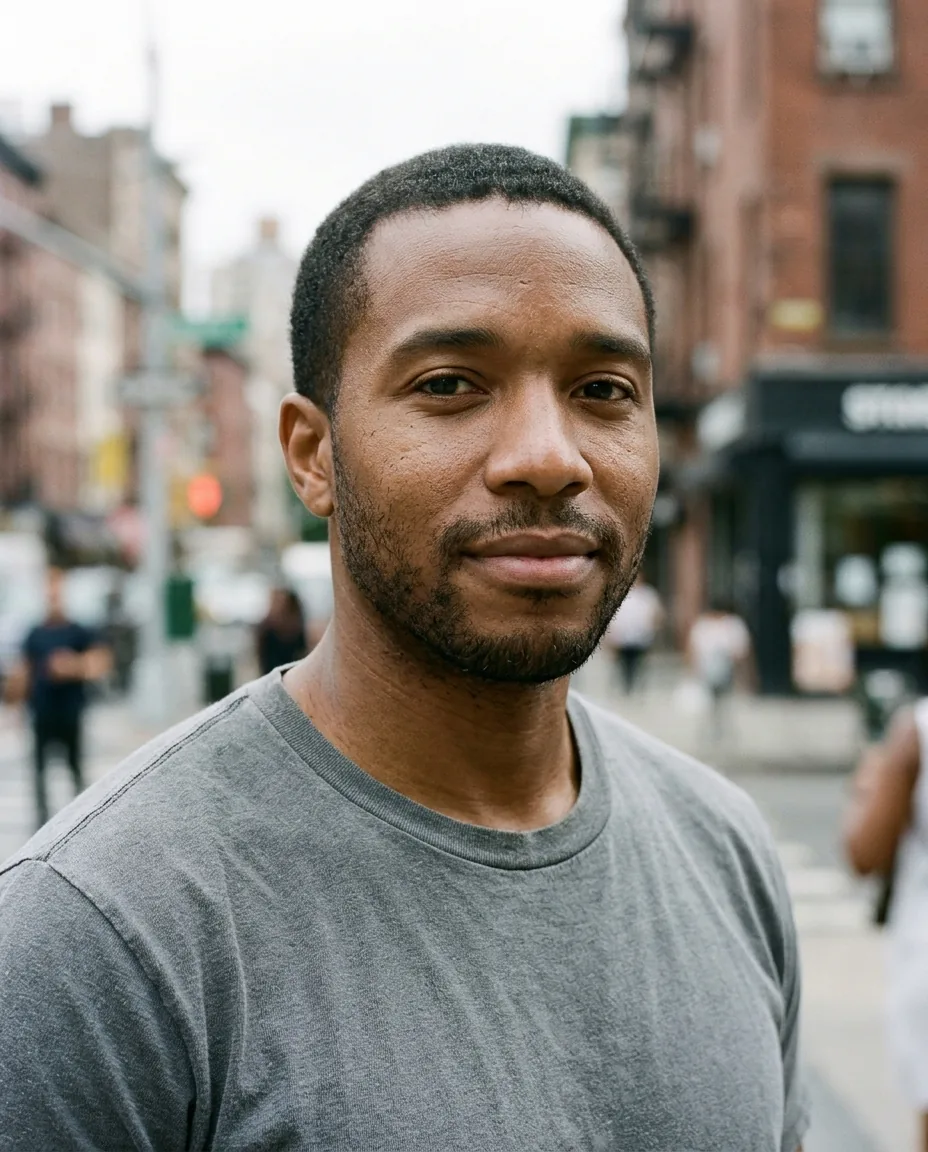
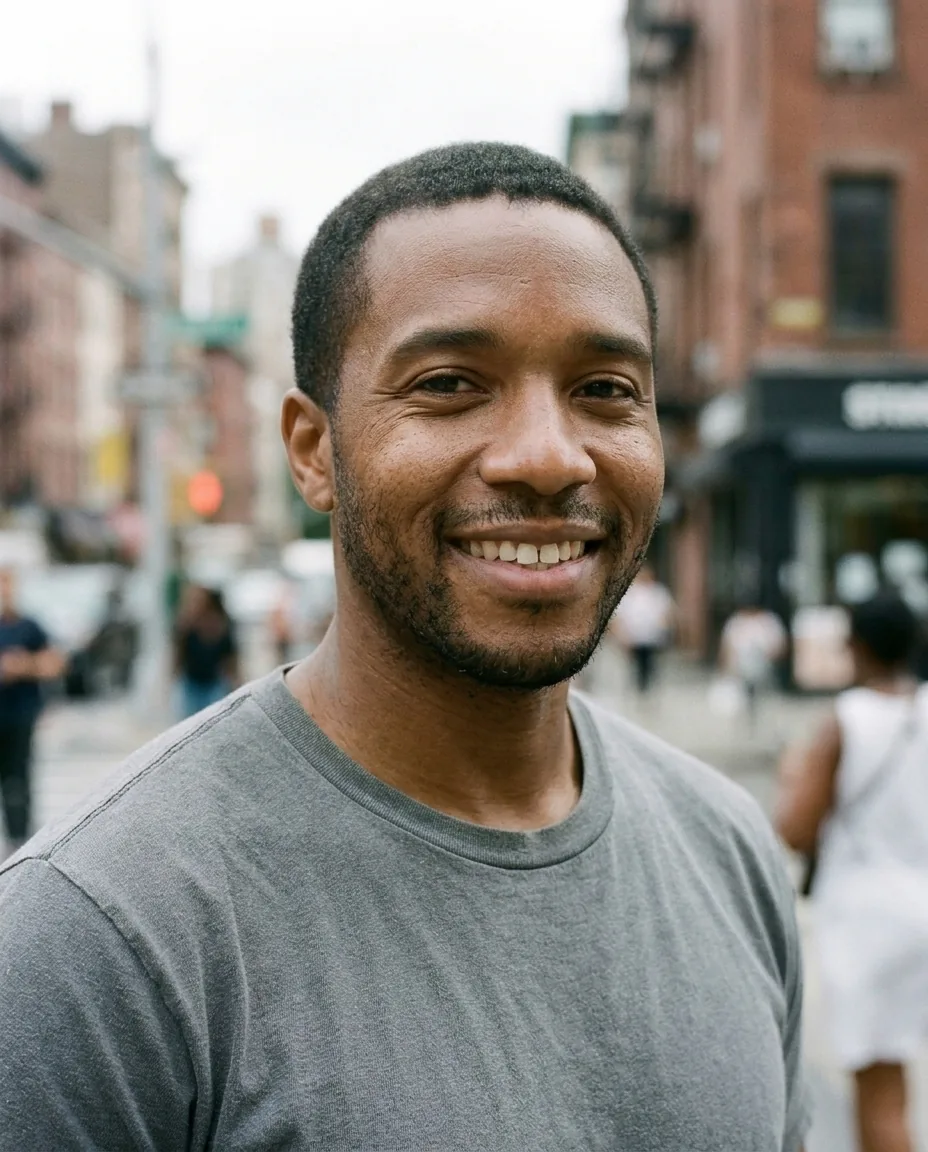
Smile filter
Turn a neutral or serious expression into a warm, natural smile with your own teeth, and keep everything else in the photo exactly as it was.
How to use the natural smile effect
- Upload a head-and-shoulders photo with one face.
- Pick Standard or Pro quality.
- Download the result, or try another effect.
Natural smile effect over the API
curl -X POST https://api.morfran.com/v1/effects/smile \
  -H "X-API-Key: $MORFRAN_KEY" \
  -H "Content-Type: application/json" \
  -d '{"image_url":"https://…/me.jpg","quality":"standard"}'
What the natural smile effect does
The effect changes one thing: the expression. A closed or serious face becomes a relaxed, friendly smile, with the eyes and cheeks moving the way they do in a real smile. Your hair, clothing, background, light and framing stay unchanged, so the photo still looks like the same moment.
Good uses
- A friendlier profile picture from a photo you already like
- Saving a portrait where the smile came a second too late
- A smile feature inside your own photo or avatar app
Tips for the best result
Use a sharp photo with one face, looking roughly at the camera. The mouth and eyes should be clearly visible: no hands, microphones or masks in front of the face. Choose Pro when teeth and fine detail around the mouth matter most.
Use it from your app
Call POST /v1/effects/smile with an image_url. The result comes back as a 2K image link. It is the same effect you try in the browser, so what you see here is what your users get.
Natural smile effect questions
Will the smile look fake?
The effect aims for a natural smile that involves the eyes and cheeks, not just the mouth. Pro gives the finest detail.
Does it change anything else?
No. Hair, clothing, background and lighting stay as they are; only the expression changes.
Does it work with more than one person?
A photo with one face gives the best result. For group photos, edit each portrait separately.
Can I use it on someone else's photo?
Only with their permission. Use your own photo or one you have the right to edit. Our terms of use do not allow using the effect to mislead people or to impersonate anyone.