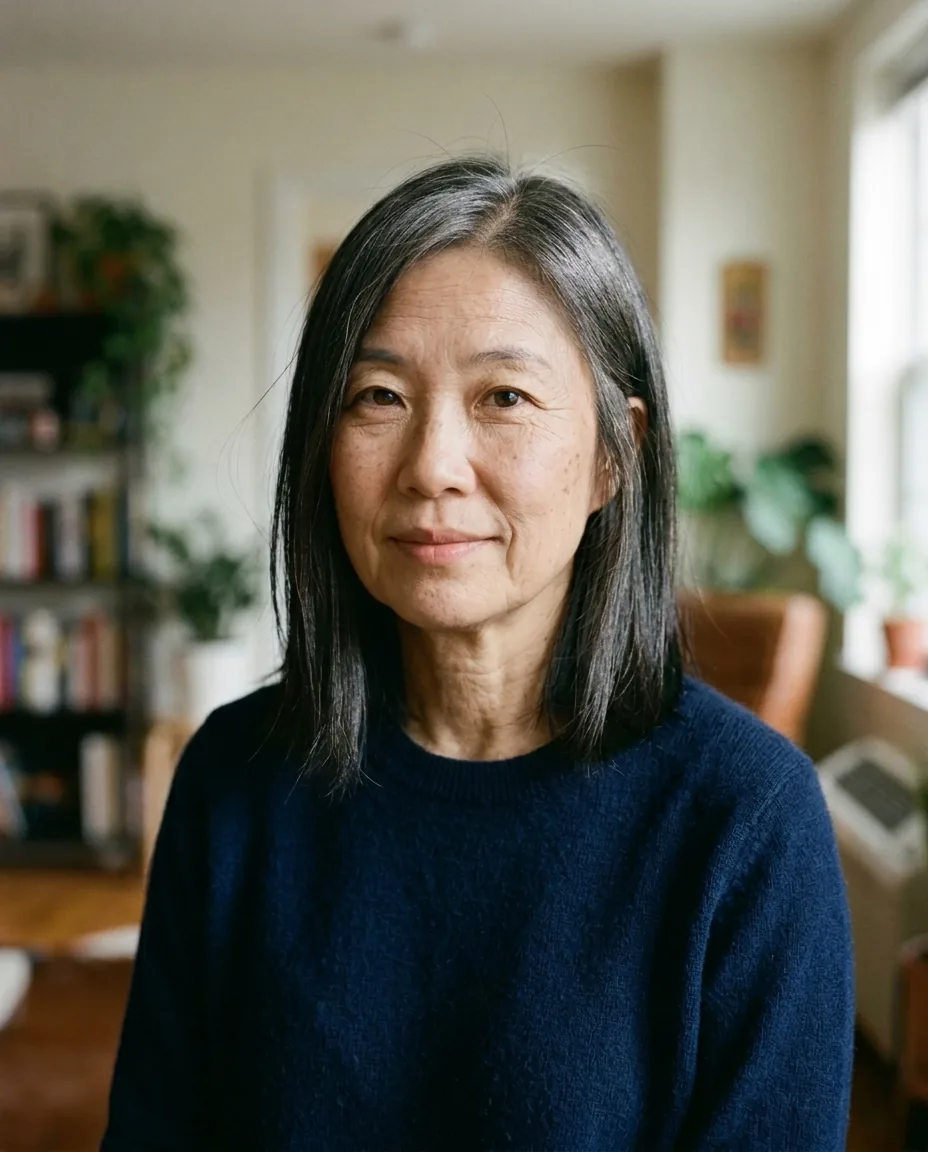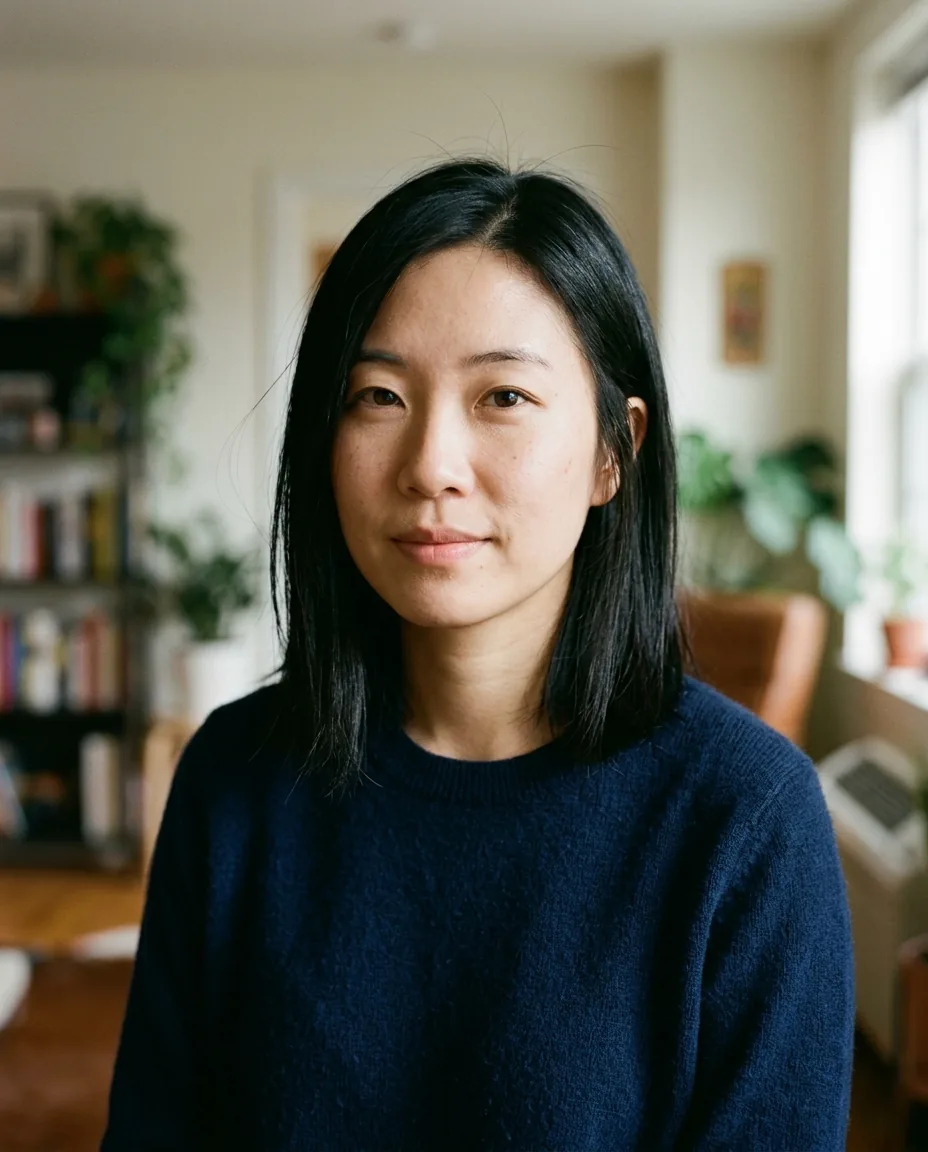
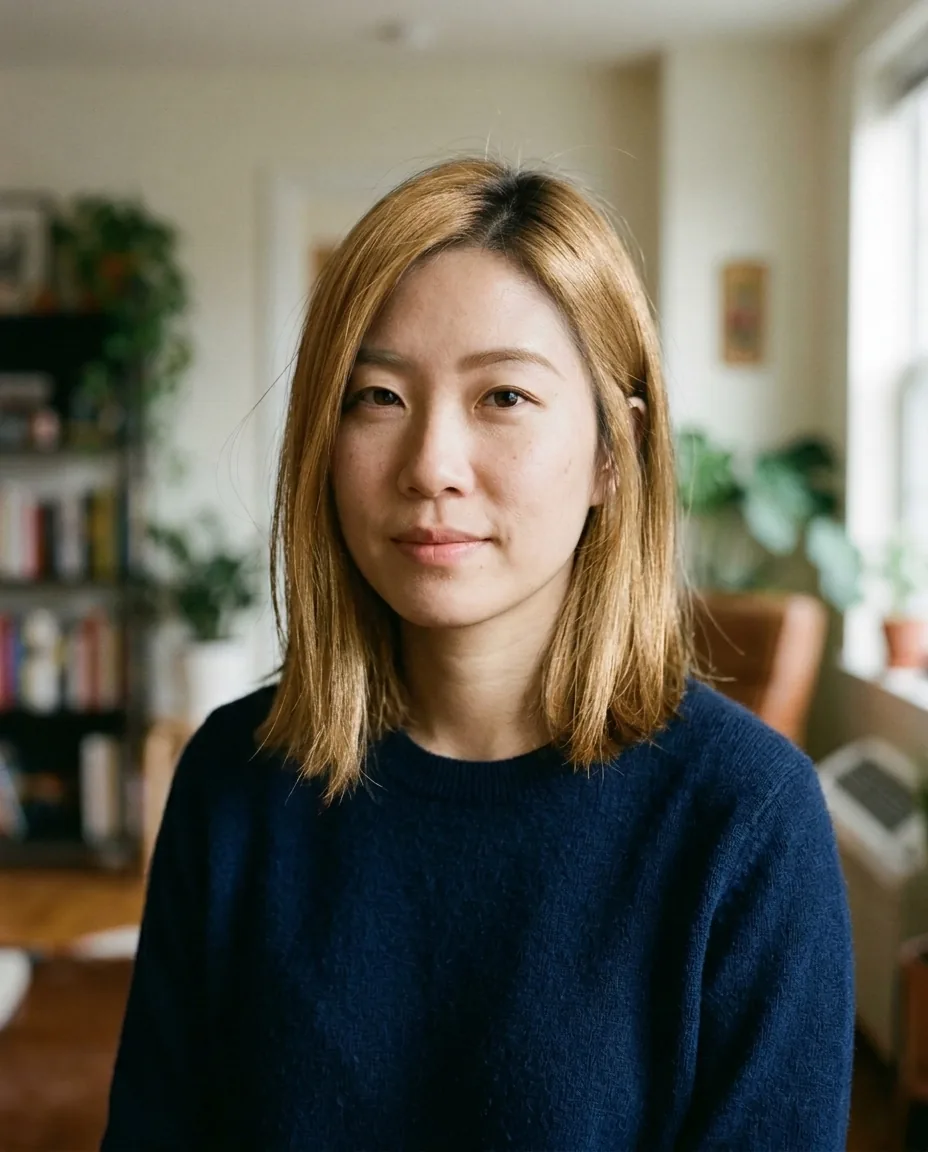
Blonde hair filter
Try golden blonde hair before you book the salon. The effect adds natural roots and highlights and keeps your haircut, length and style exactly the same.
How to use the blonde hair effect
- Upload a head-and-shoulders photo with one face.
- Pick Standard or Pro quality.
- Download the result, or try another effect.
Blonde hair effect over the API
curl -X POST https://api.morfran.com/v1/effects/blonde-hair \
  -H "X-API-Key: $MORFRAN_KEY" \
  -H "Content-Type: application/json" \
  -d '{"image_url":"https://…/me.jpg","quality":"standard"}'
What the blonde hair effect does
The effect changes the colour of your hair and nothing else. You get a warm golden blonde with slightly darker roots and soft highlights, the way coloured hair looks in real life. The cut, length, parting and texture stay as they are, and so do your face, clothing and background.
Good uses
- Seeing how blonde suits you before a colour appointment
- Showing clients a colour idea in a salon or beauty app
- A hair colour try-on feature inside your own app
Tips for the best result
Use a sharp photo with one face in even, natural light, with the hair clearly visible. Hats, hoods and strong coloured lighting make the result less accurate. Choose Pro for finer strands and highlights.
Use it from your app
Call POST /v1/effects/blonde-hair with an image_url. The result comes back as a 2K image link. It is the same effect you try in the browser, so what you see here is what your users get.
Blonde hair effect questions
Will it change my haircut?
No. The cut, length and style stay exactly the same; only the colour changes.
Will the colour look natural?
The effect adds natural roots and highlights so the result looks like real coloured hair rather than a flat tint.
Does it work on dark hair?
Yes. Use a photo in even light where the hair is clearly visible for the most realistic result.
Will the salon colour match exactly?
Treat the result as a preview of the idea. Real colour depends on your hair and the products your stylist uses.