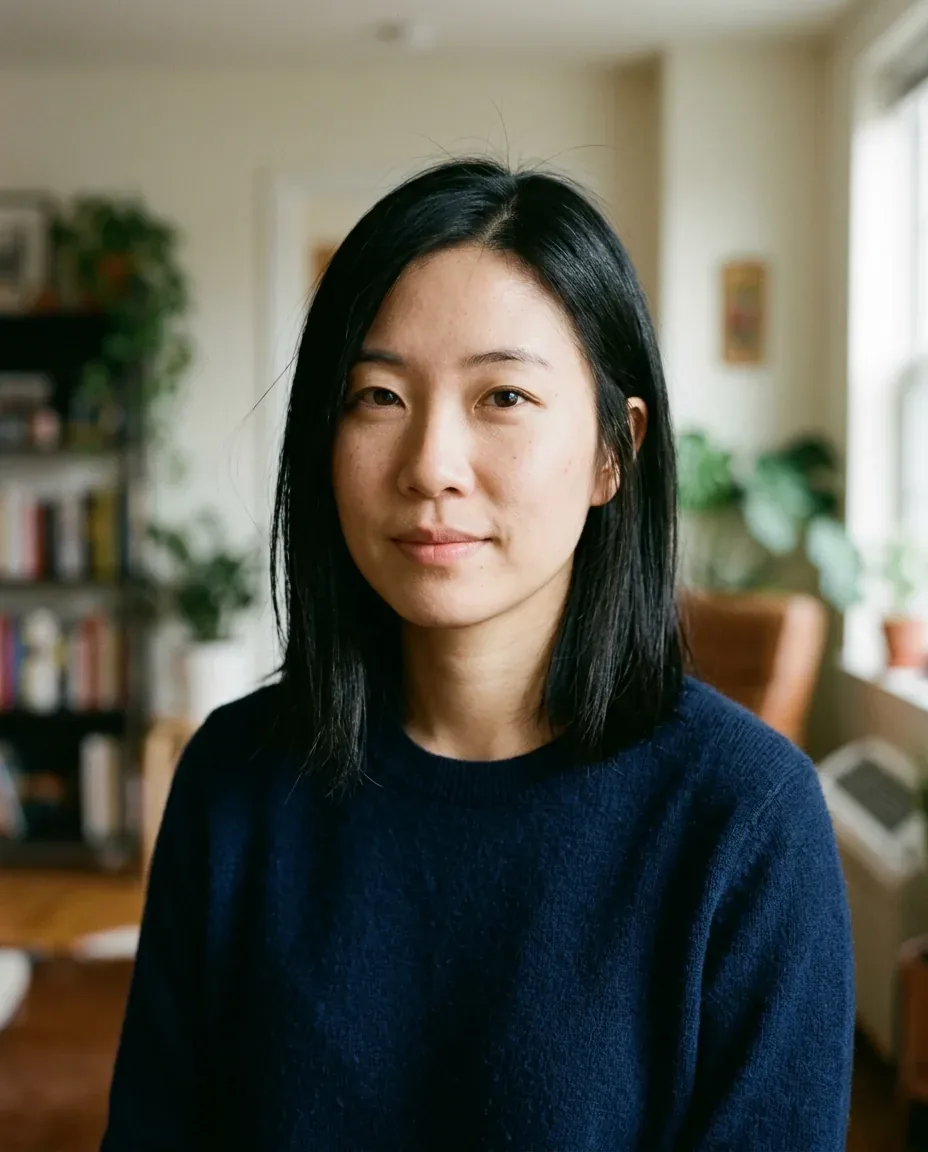
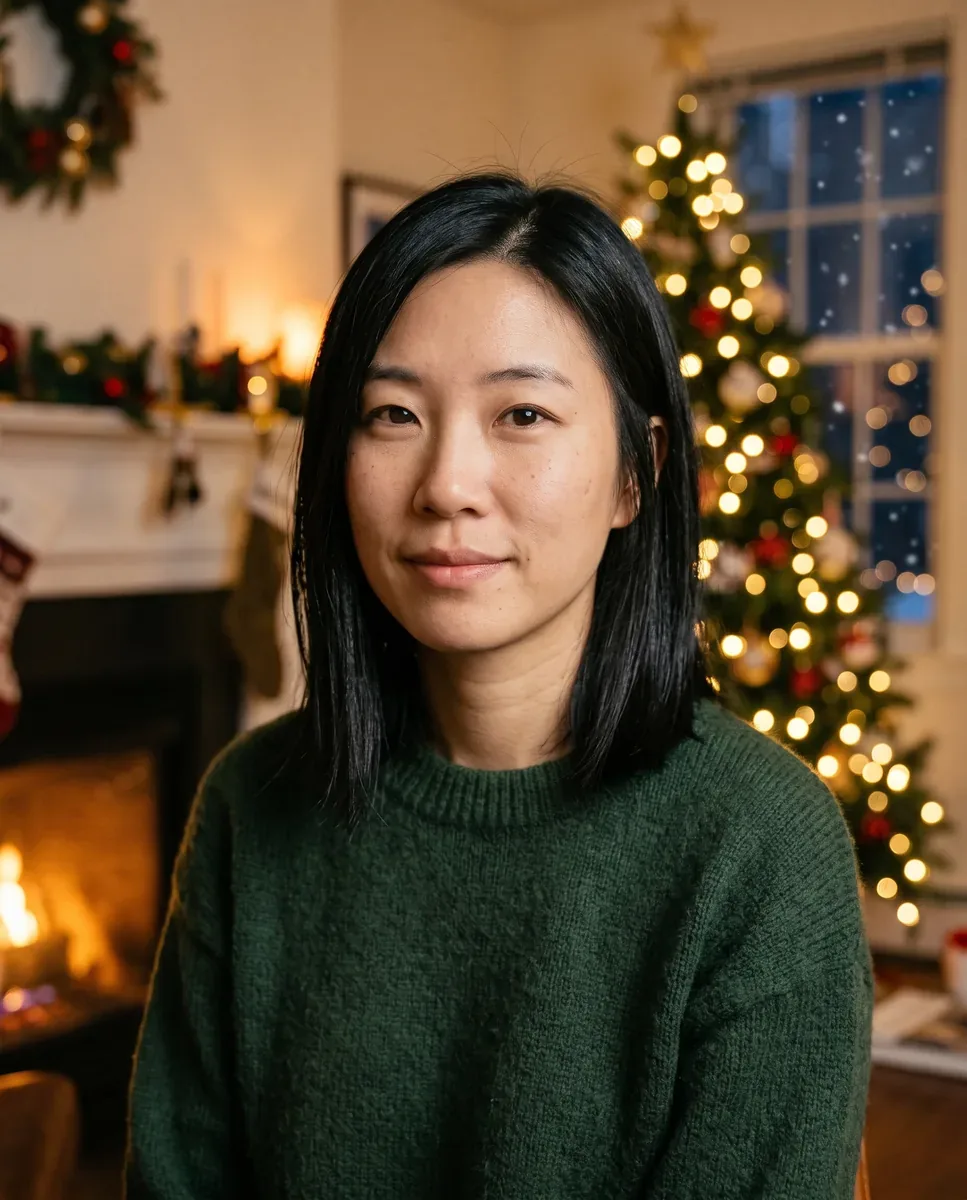
AI Christmas photo
Turn an everyday photo into a warm Christmas portrait: a cosy knit sweater, a lit tree softly blurred behind you and the golden glow of a fireplace.
How to use the christmas portrait effect
- Upload a head-and-shoulders photo with one face.
- Pick Standard or Pro quality.
- Download the result, or try another effect.
Christmas portrait effect over the API
curl -X POST https://api.morfran.com/v1/effects/christmas-portrait \
  -H "X-API-Key: $MORFRAN_KEY" \
  -H "Content-Type: application/json" \
  -d '{"image_url":"https://…/me.jpg","quality":"standard"}'
What the Christmas portrait effect does
Upload one photo and get back a holiday portrait that looks like it was taken in a cosy living room on a winter evening. You wear a soft knitted sweater, a decorated tree with warm string lights melts into round bokeh behind you, and a fireplace adds warm golden light from the side. It is framed head and shoulders with a shallow depth of field, like a photo from a professional holiday shoot.
Your face, hairstyle and expression stay the same, so the result is clearly you.
Good uses
- Holiday cards and seasonal greetings
- A festive profile picture for December
- End-of-year posts and team messages
Tips for the best result
Use a sharp photo with one face, looking roughly at the camera, in even light. Head-and-shoulders framing works best. The effect replaces the background, so any room or street photo is fine. Choose Pro for finer skin and knit detail.
Use it from your app
Call POST /v1/effects/christmas-portrait with an image_url. The result comes back as a 2K image link.
Christmas portrait effect questions
Will it still look like me?
Yes. The effect keeps your face, hairstyle and expression; it changes the clothing, the light and the setting.
Can I use it for holiday cards?
Yes. The result is a 2K image you can download and print or share. Download it soon: uploads and results are deleted from our storage within one hour.
How is it different from the holiday photobooth effect?
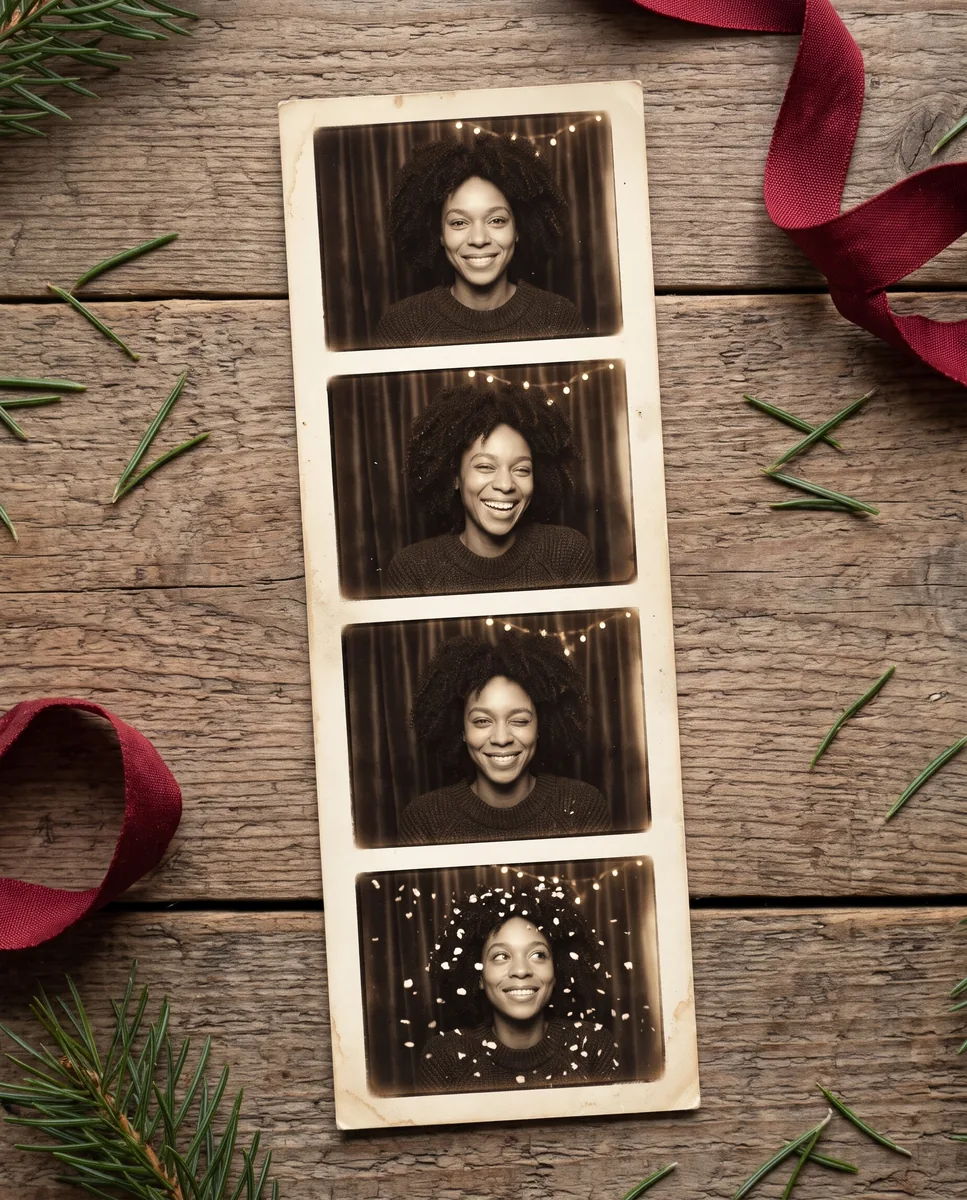
Holiday photobooth makes a vintage sepia strip of four poses. Christmas portrait makes one modern, full-colour portrait by the tree and the fireplace.