Holiday photobooth AI
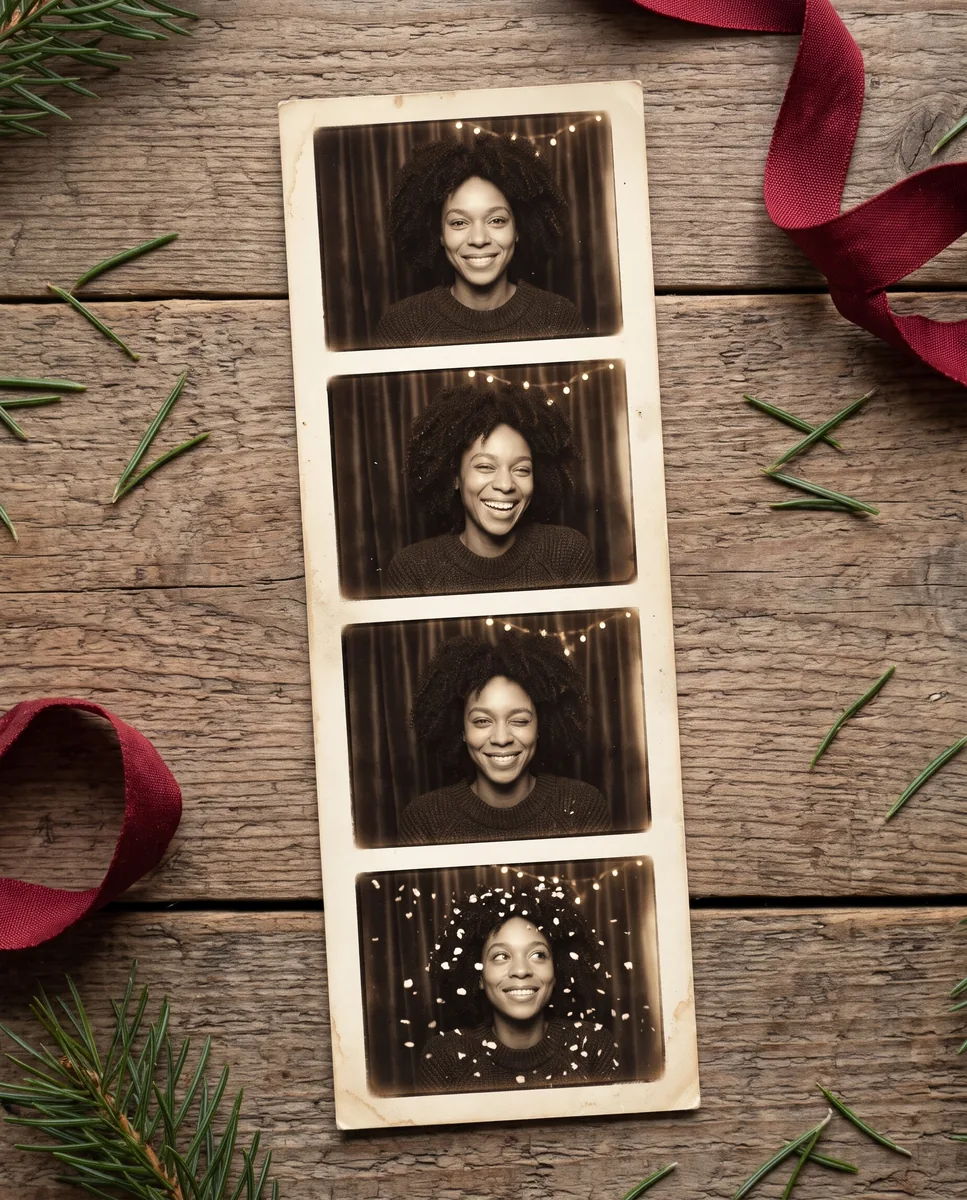
A vintage sepia photobooth strip with four poses and warm Christmas lights. Ready in seconds.
How to use the holiday photobooth effect
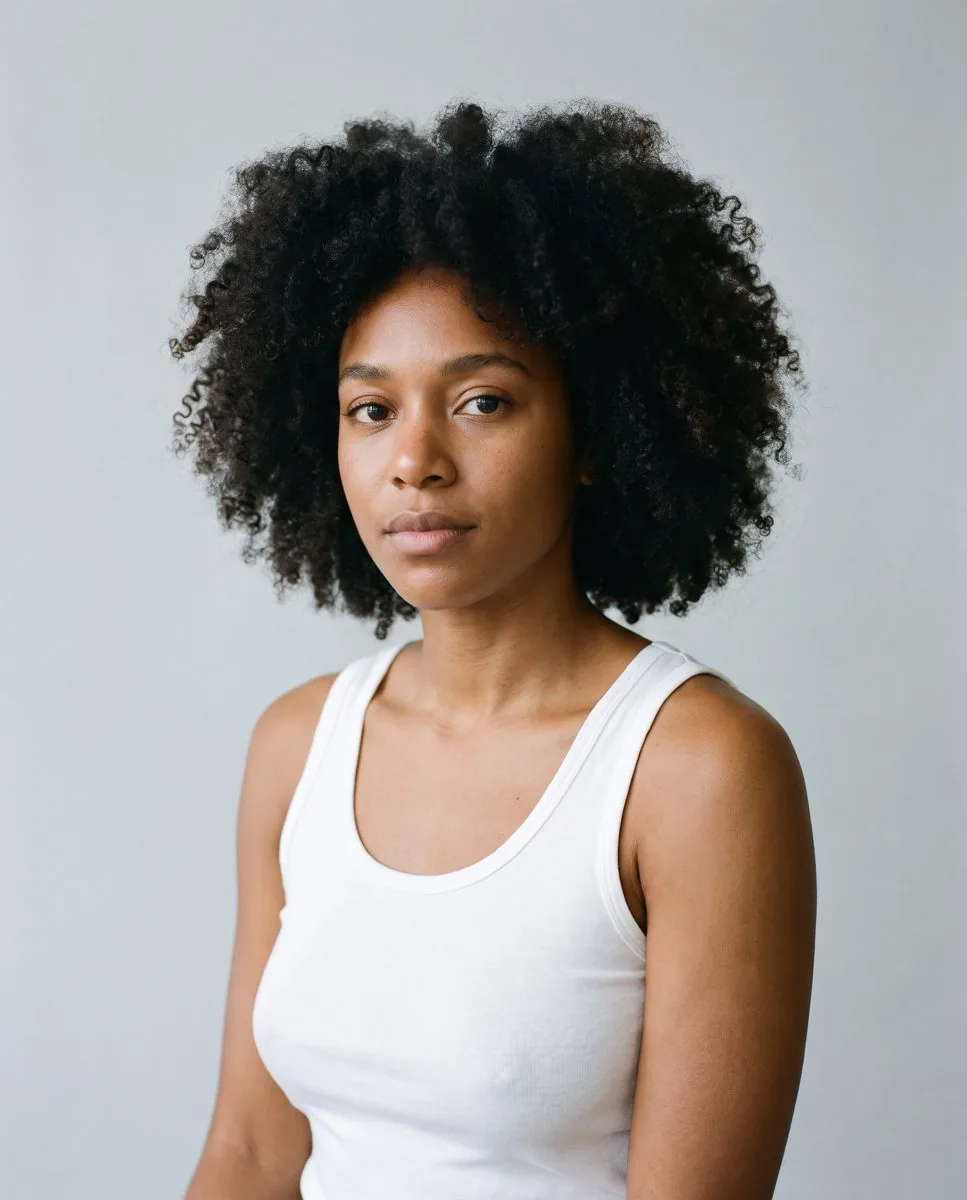
- Upload a head-and-shoulders photo with one face.
- Pick Standard or Pro quality.
- Download the result, or try another effect.
Holiday photobooth effect over the API
curl -X POST https://api.morfran.com/v1/effects/holiday-photobooth \
  -H "X-API-Key: $MORFRAN_KEY" \
  -d '{"image_url":"https://…/me.jpg","quality":"standard"}'
Holiday photobooth effect questions
What photo works best for the holiday photobooth effect?
A head-and-shoulders photo with one face looking at the camera and even light.
How much does the holiday photobooth effect cost?
11 credits per image in Standard quality and 29 credits in Pro. New accounts start with 50 free credits.
Can I apply the holiday photobooth effect from my own app?
Yes. Send a POST request to /v1/effects/holiday-photobooth with an image URL and your API key.