3D cartoon yourself
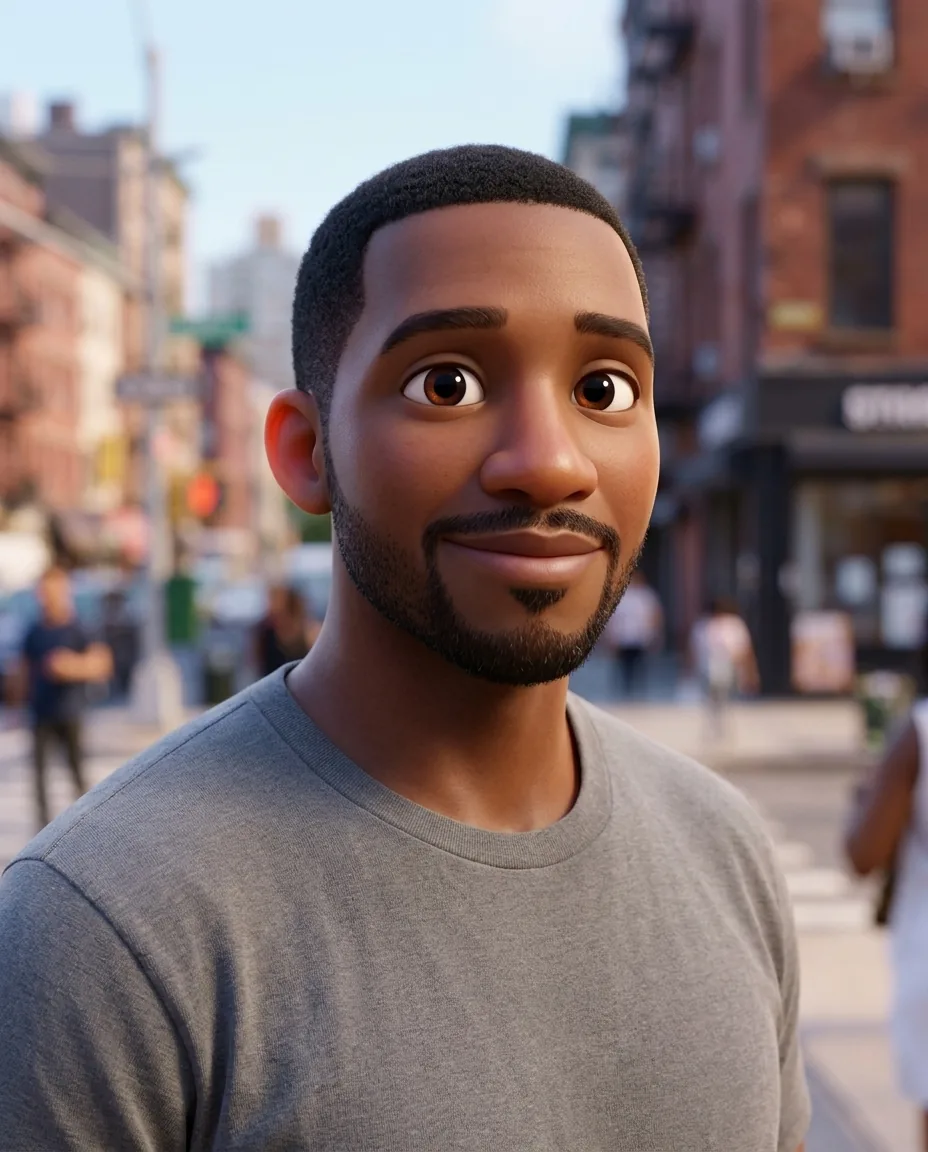
Become a character from a 3D animated family film, with big expressive eyes, soft rounded features and your own hairstyle and colours.
How to use the 3d animated character effect
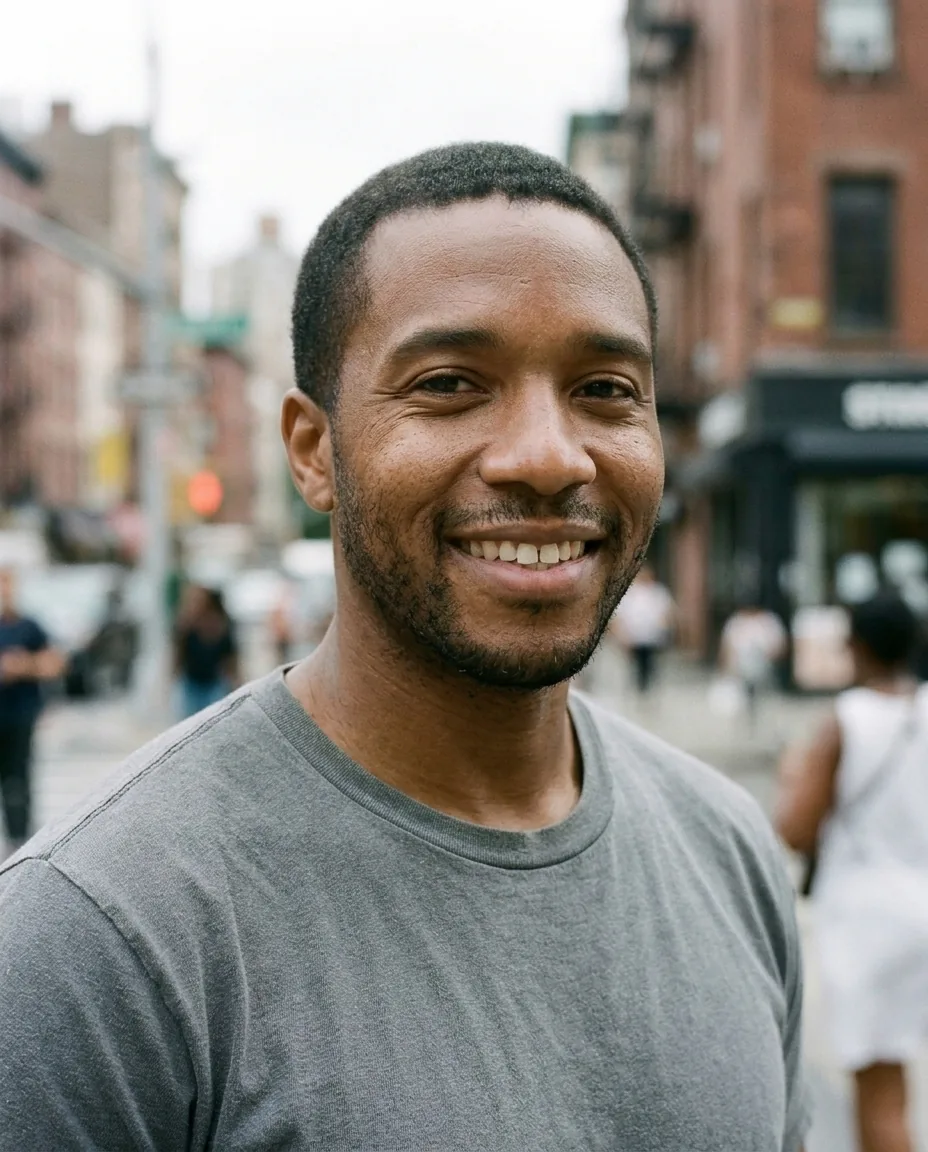
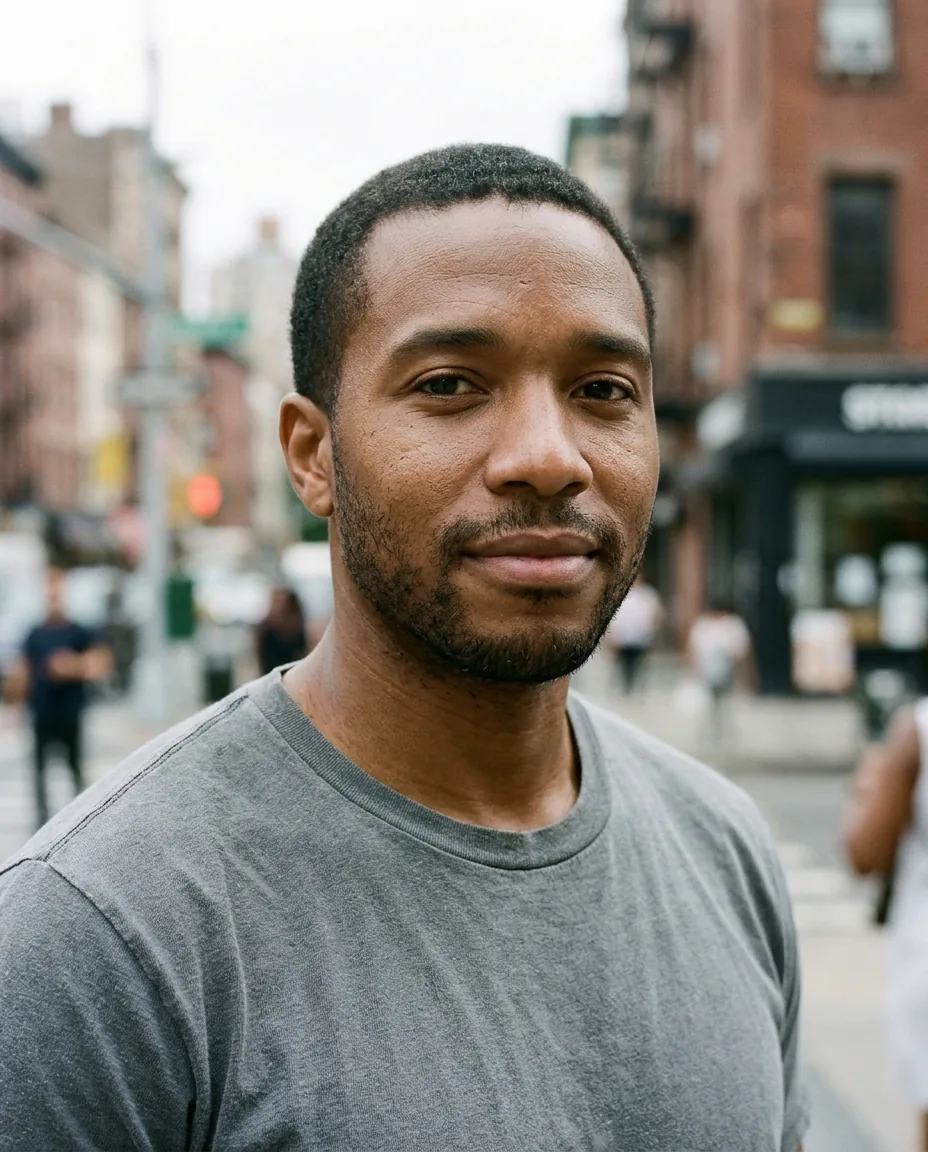
- Upload a head-and-shoulders photo with one face.
- Pick Standard or Pro quality.
- Download the result, or try another effect.
3D animated character effect over the API
curl -X POST https://api.morfran.com/v1/effects/cartoon-3d \
  -H "X-API-Key: $MORFRAN_KEY" \
  -H "Content-Type: application/json" \
  -d '{"image_url":"https://…/me.jpg","quality":"standard"}'
What the 3D animated character effect does
The effect redraws your portrait as a 3D animated character. Big expressive eyes, soft rounded shapes and smooth, cinematic lighting give it the look of a family animation film. Your hairstyle, hair colour, eye colour and clothing colours carry over, so the character is clearly you.
Good uses
- Profile pictures and avatars
- Birthday cards, invitations and gifts
- Thumbnails, stickers and social content
- An avatar feature inside your own app
Tips for the best result
Use a clear, front-facing photo with one face in even light. Distinctive hairstyles, glasses and bright clothing colours make the character more recognisable. Choose Pro for finer detail in hair and fabric.
Use it from your app
Call POST /v1/effects/cartoon-3d with an image_url. The result comes back as a 2K image link. It is the same effect you try in the browser, so what you see here is what your users get.
3D animated character effect questions
Will the character look like me?
Yes. It keeps your hairstyle, colours and key features, restyled as a 3D animated character.
Is it a real 3D model?
No. It is a 2D image in a 3D animated film style; you cannot rotate it or export it as a model.
Can I use it as an avatar?
Yes. It works well as a profile picture or avatar.
Does it work on group photos?
A photo with one face gives the best result. For a group, run the effect on each portrait separately.